Radios
Pick your radio.
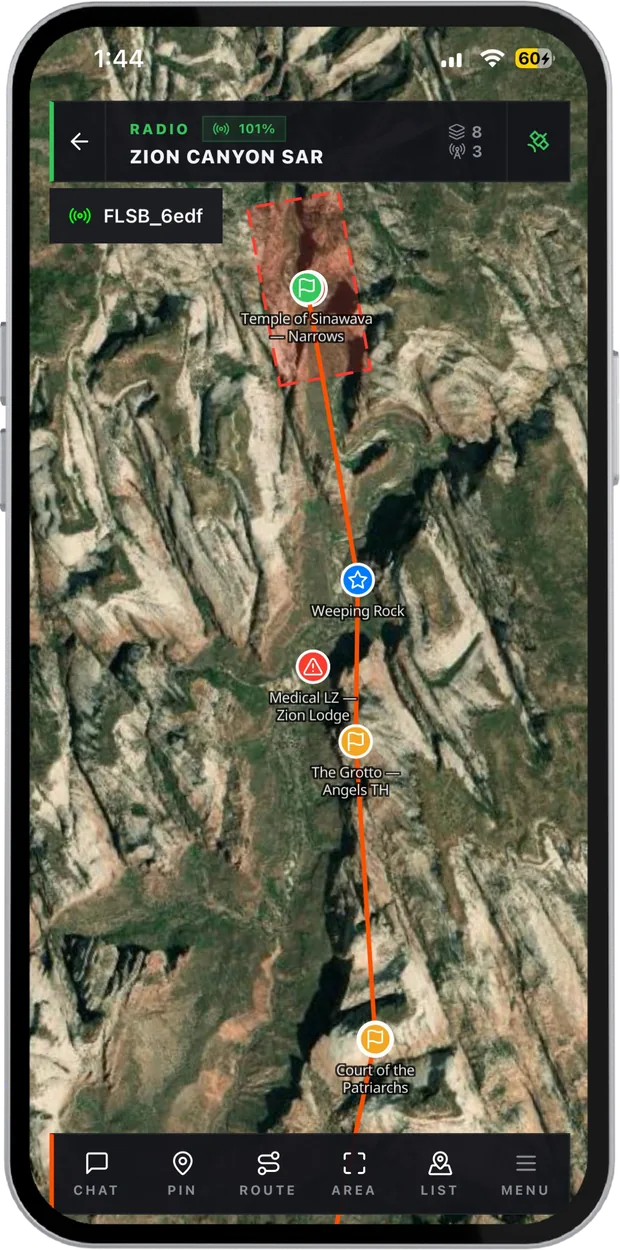
These LoRa radios pair with Maps over Bluetooth and keep your group on the map with no cell service at all. Each one is tested by our team before it is listed.
Tested
Radios we use.
Filter by what matters in the field. Buy from the maker, then flash and pair it in a couple of minutes.

Carroted Maps Ready
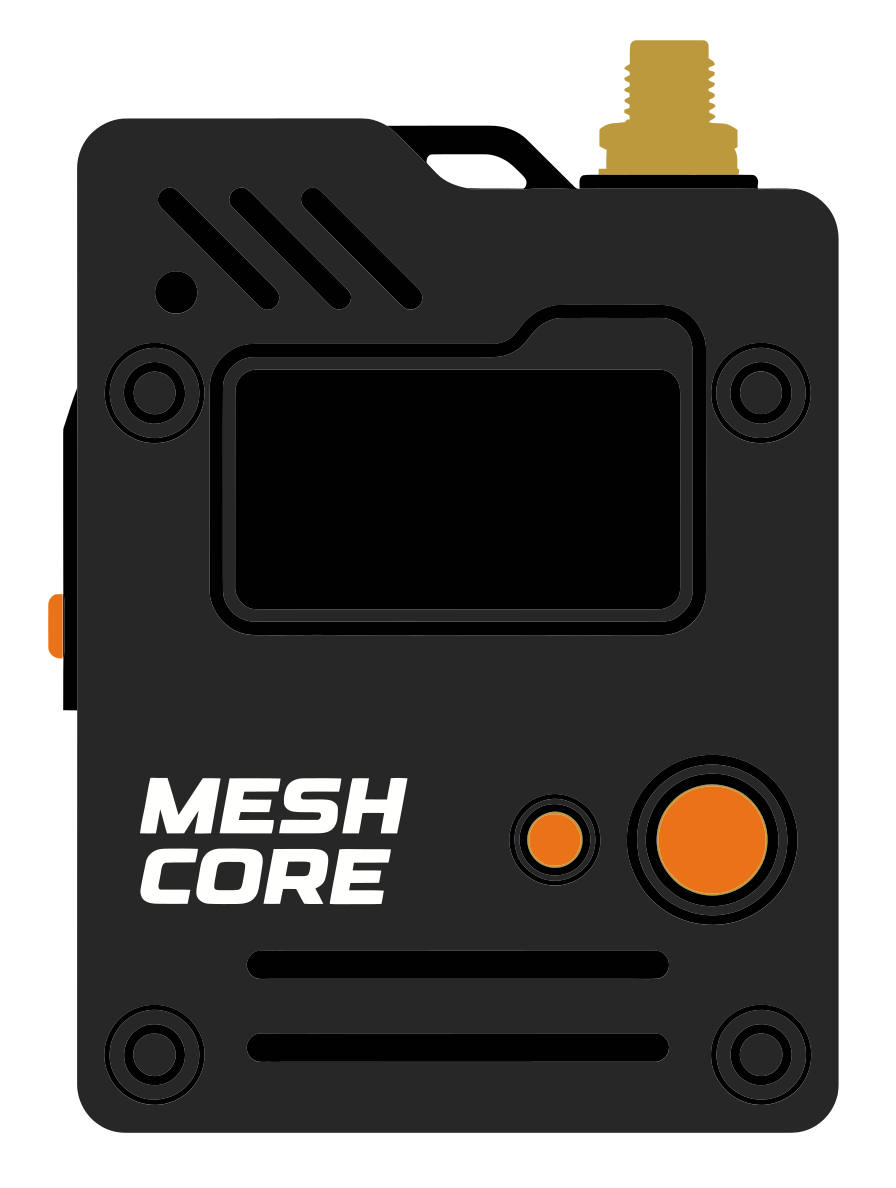
SenseCAP Solar Node P1 Pro
- Range
- 20 km
- Battery
- 9+ days · solar
- Weight
- ~320 g
- Rating
- IPX5
5 W solar panel · 13,400 mAh · SMA antenna · Grove I²C
Carroted Maps Ready
Wio Tracker L1 Pro
- Range
- 10 km
- Battery
- 2 to 3 days
- Weight
- ~85 g
- Price
- $43
1.3" OLED · Joystick · 2,000 mAh · Grove
Carroted Maps Ready
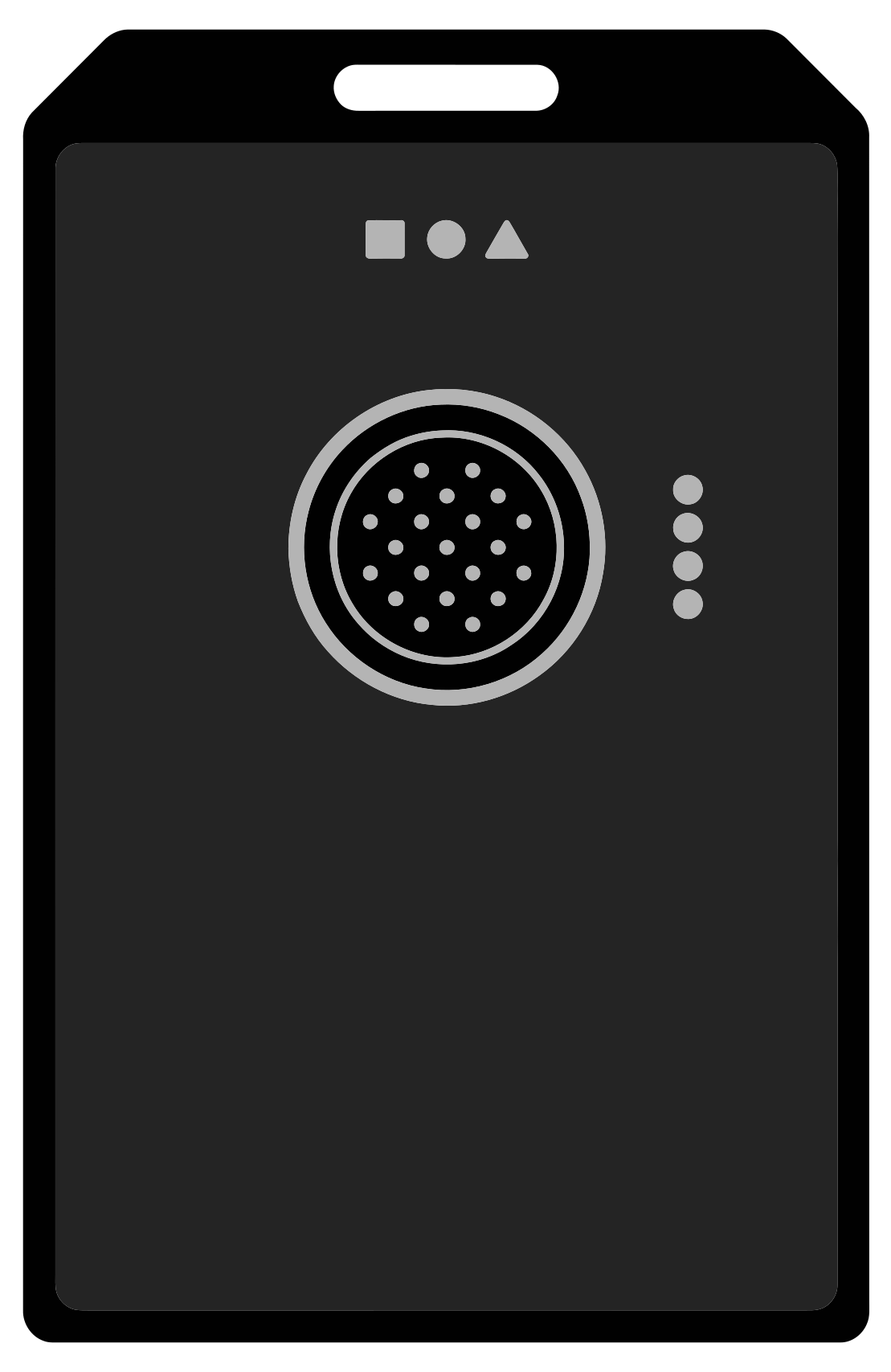
WisMesh Tag
- Range
- 10 km
- Battery
- 5 to 6 days
- Weight
- ~38 g
- Rating
- IP66
Accelerometer · 1,000 mAh · LED indicators
How it works
From the box to the map.
01
Buy a radio
Pick one above. It ships from the maker; nothing to buy from us.02Set it up
Flash or update the firmware from your browser, over USB or Bluetooth.03
Pair and go
Open Maps, connect to the radio over Bluetooth, and you're on the map off-grid.


Faq
Radio questions.
01Which radio should I buy first?
For one person on the move, a small tracker like the RAK WisMesh Tag: light, waterproof and days of battery. With a screen, so you can read messages without your phone, the Wio Tracker L1 Pro. For a fixed relay on a roof or a hill, the SenseCAP Solar Node.
02Does every person need a radio?
Everyone who needs to stay on the map without signal does. People in town can stay on the internet: Relay Bridge puts both on the same map.
03Will a radio that isn't listed work?
Often, yes. Maps speaks to most Meshtastic and MeshCore radios. The ones listed here are the ones we have tested ourselves.
04Do I need to install anything on the radio?
Some radios ship ready. Others need the Maps firmware, which you can flash from your browser on the radio setup page in a couple of minutes.