Pricing
Transparent pricing. Zero surprises.
Start free. Move a crate to Maker when it needs more readings or longer history. No hidden fees, no lock-in.
Plans
Two plans. Per crate.
Each crate is on Free or Maker, and you can switch any time. Maker is $9 a month per crate, billed for the hours it runs.
Free
$0/ moFor trying it out and side projects.
- 50K readings a day
- 100 readings per batch
- 10 AI questions a day
- 1-day history
- Managed Grafana
Maker
$9/ moFor projects that need to keep their history.
vs Free: 100x the readings, 90x the history, 2x the AI questions.
- 5 million readings a day
- 250 readings per batch
- 20 AI questions a day
- 90-day history
- Managed Grafana
Self-hosted
Run it yourself.
Self-hosted
FreeForeverFor teams who want to run it on their own hardware.
- Readings limited only by your hardware
- Retention you set
- Your data stays with you
- The same ingest API
- You run the servers, databases and backups
- Security and updates are yours to manage
Compare
Skip the setup
| Run it yourself (InfluxDB + Grafana) | Data | |
|---|---|---|
| Servers to run | A database, Grafana and a host | None |
| Grafana | Install, connect and secure it | Ready and signed in |
| Dashboards | Build each one from scratch | One per crate, plus a store |
| Asking questions | Write the SQL | Ask the AI analyst |
| Cost | Your server and your time | $0, or $9 a month per crate |
The hidden cost of DIY
What self-hosting costs you.
Based on 4 hours of setup, spread over a year, and 2 hours of upkeep a month.
$1,992a year
$175/ mo
$9/ mo
Zero maintenance.
FAQ
Frequently asked questions.
01What is a crate?
A crate is a storage space for time-series readings. Each one has its own API key, its own plan and its own Grafana dashboard. A reading is a device, a metric, a value and a time. Your first crate is made for you when you sign up.
02What does managed Grafana access mean?
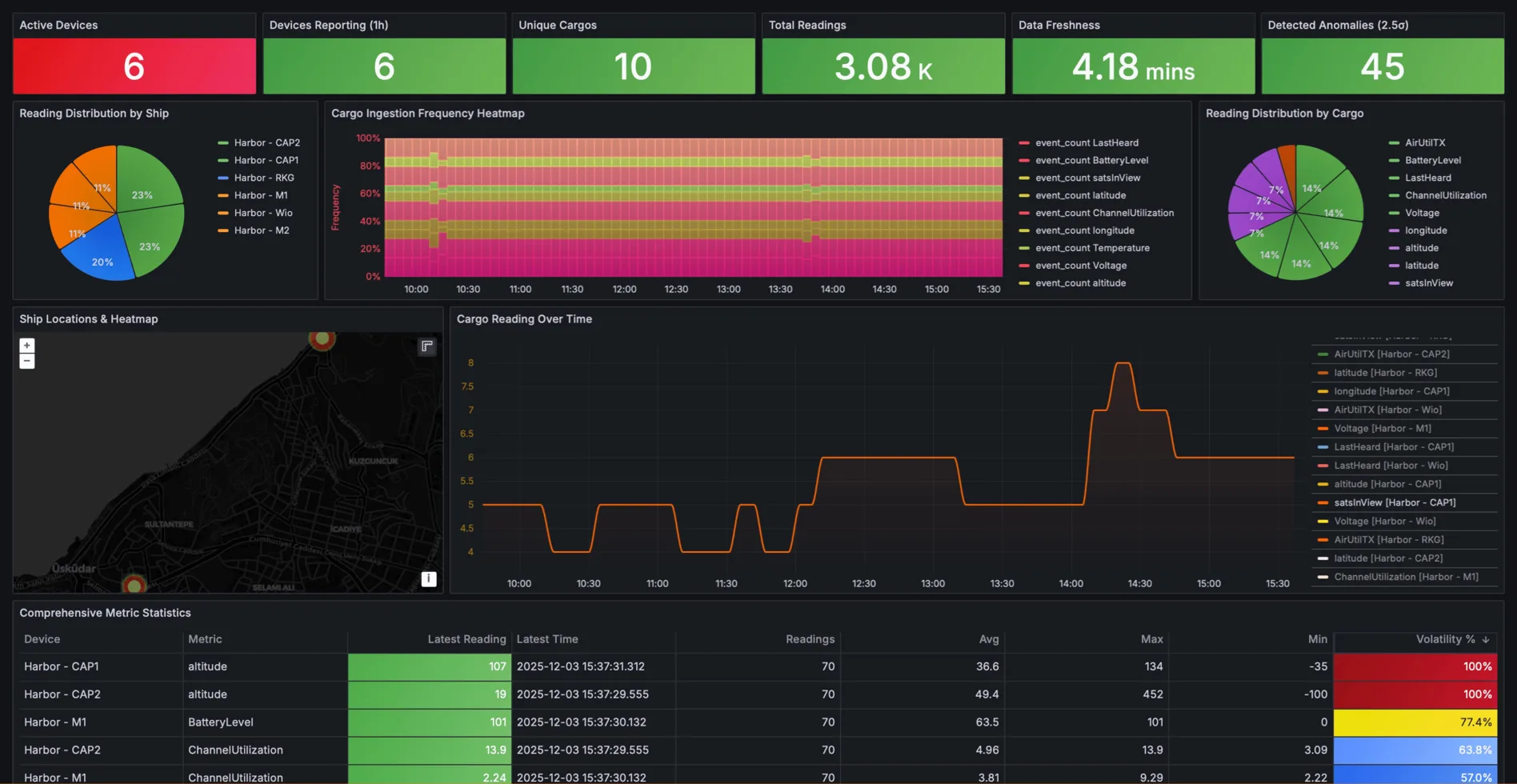
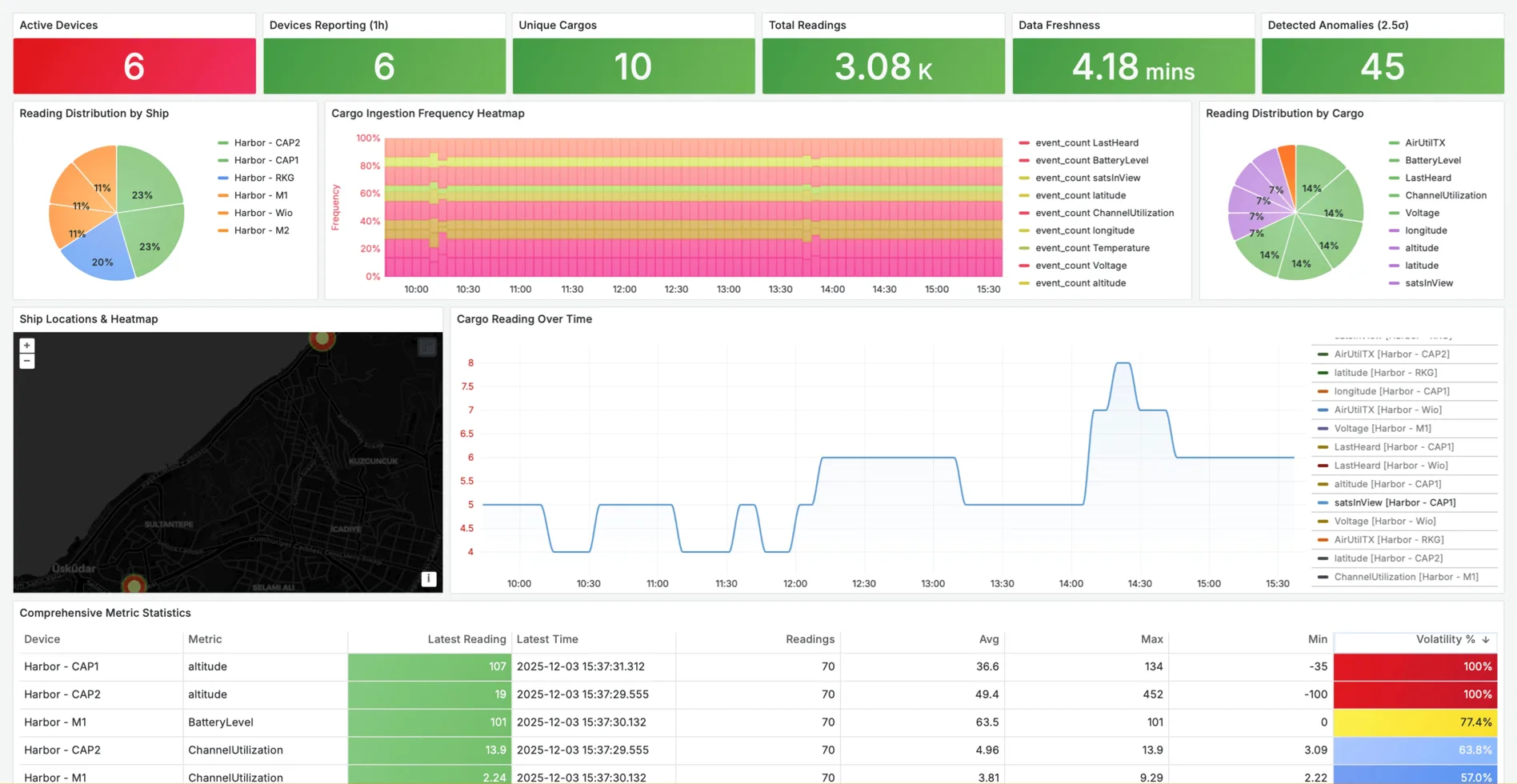
You don't install Grafana or wire up a data source. Your Grafana opens already signed in, with your crates connected and a dashboard built for each. You get a private workspace (editor role) to build as many dashboards as you like.
03Can I use my own Grafana dashboards?
Yes. Your crates are data sources in your Grafana, so you can edit the dashboards made for you, add more from the dashboard store, or build your own from scratch.
04How do I send a CSV?
Open your crate, go to Send data and drop in the file. Data guesses which columns are the time, device, metric and value, or treats each number column as a metric, and shows a preview before anything is sent. CSV upload works on general crates, not The Things Network ones.
05What happens if I exceed my daily quota?
New readings are rejected with a 429 until the daily reset at midnight UTC. Your existing data and dashboards stay available. If a crate used more than 80% of its limit, we email you the next day. Move it to Maker any time for higher limits; the change applies within minutes.
06How does the AI analyst work?
Pick a crate and ask a question, like 'Show me the voltage spikes from last Tuesday'. The AI analyst writes and runs the SQL, then answers with text and charts, and shows you the query. Free crates get 10 questions a day, Maker crates 20.
07Do I need to provision devices before sending data?
No. Put your crate's API key in your firmware or script, and each device and metric appears in the crate the first time it sends a reading. There is nothing to register.
08Can I send data over MQTT?
No. Data takes readings over HTTP, from CSV files in the browser and from The Things Network webhooks.
09Can I move from the cloud to self-hosted later?
Yes. The open-source edition accepts the same ingest API, so pointing your devices at your own server is a one-line change. There is no one-click export of your cloud history yet.
10Is there an uptime guarantee?
Free and Maker are best effort, and we aim for 99% uptime or better. There is no contractual SLA, and no service credits.
Start free. Grow one crate at a time.
Every crate starts on Free. Move one to Maker when it needs more readings or longer history.